Modify bays
Video tutorial on this topic: 11: Editing furniture
This task is where you can edit existing shelving in your planograms. This step is often necessary to obtain the exact dimensions and properties of the bay after creating it (Create bays).
You can also create new bays from individual components in this task.
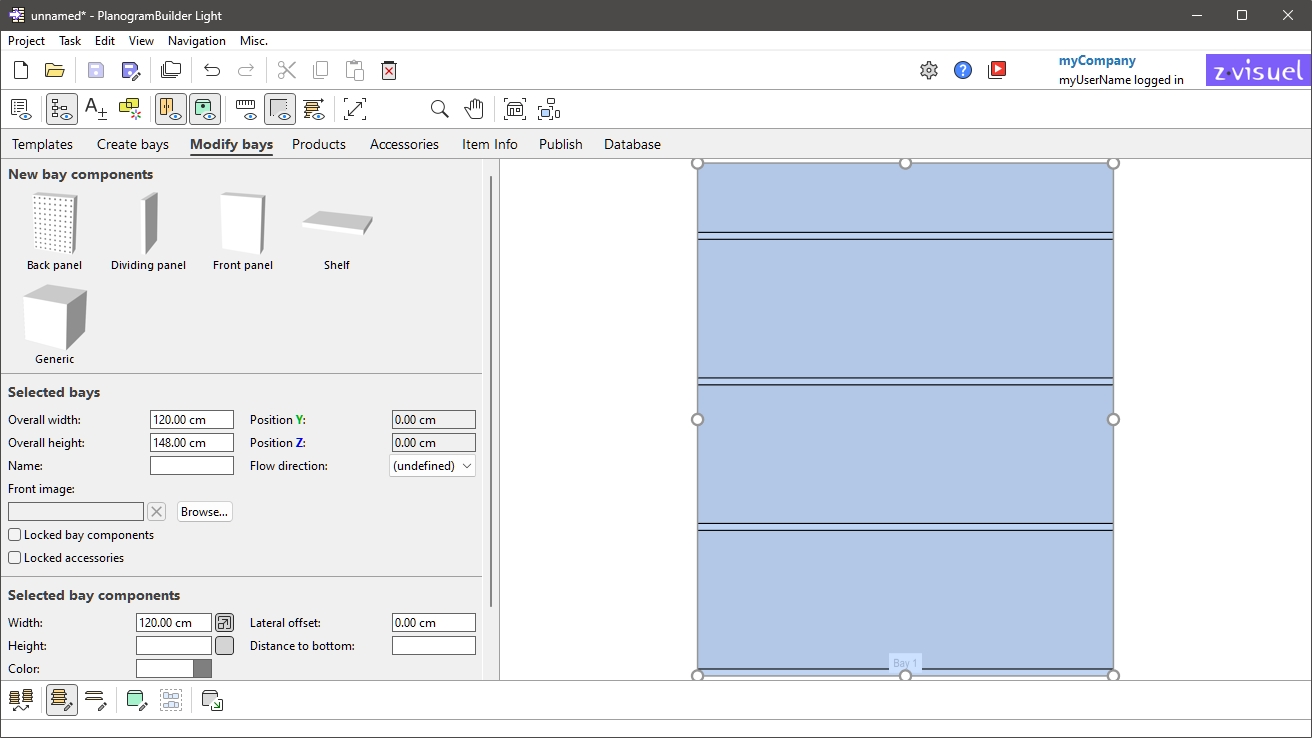
Activating this task can be done with two methods:
- Click on the task tab named Modify bays.
- Double-click on any bay in the visualization area.
Note: You can disable editing of bays for Standard Users (Standard users can edit bays).
Advice: If all parts of your bay have the same color, it may be difficult to distinguish each component. This problem can be solved with: View edges.
